
Samsung Flash Drive Data Recovery
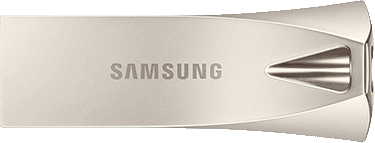 Is your Samsung flash drive no longer recognized, asking to be formatted, or physically broken? We’ve recovered data from Samsung USB flash drives — the Bar, Fit, and Duo families — since 2007, with a 98% success rate and a no data, no charge policy. If we can’t recover your files, you don’t pay for the recovery. Every Samsung case is handled in our own component-level lab — not outsourced — and you verify your recovered files before you pay. We also recover other major brands, including SanDisk flash drives.
Samsung Drives We Recover
We specialize in Samsung flash media at the chip level, across the full USB range:
- Samsung Bar Plus (MUF-xxBE) — metal USB 3.1 drives
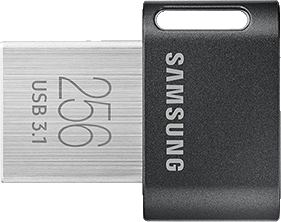
- Samsung Fit Plus (MUF-xxDA) — low-profile USB 3.1 drives
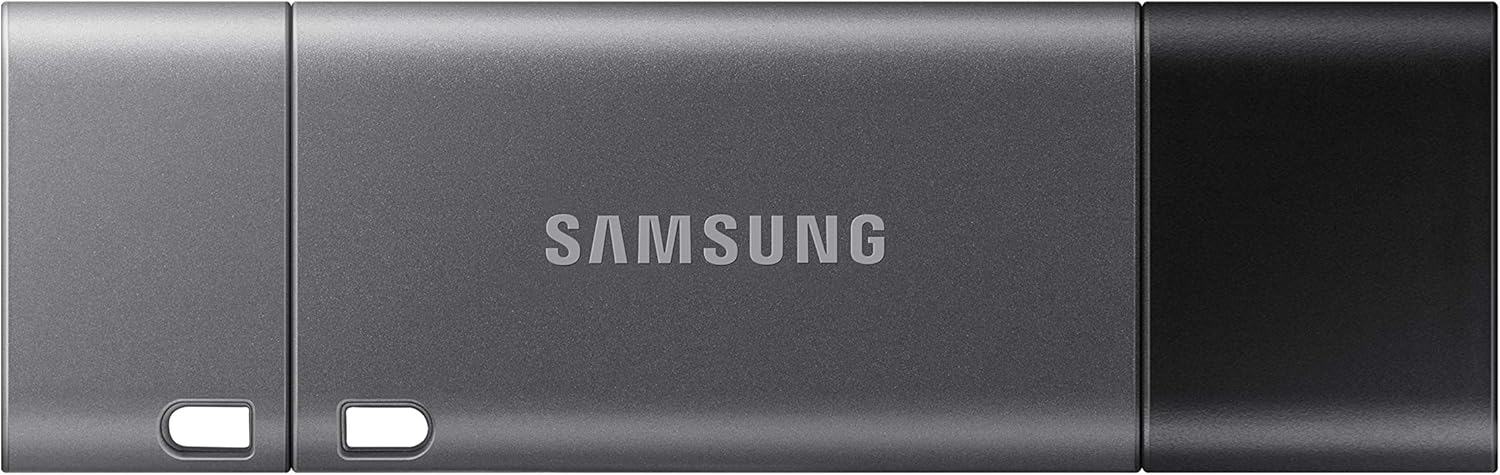
- Samsung Duo Plus (MUF-xxDB) — USB-C / USB-A drives
- Older Samsung Bar, Fit, and Duo models
- Broken or snapped connectors and dead, unrecognized drives
If your Samsung drive holds irreplaceable photos, documents, or work files and won’t open, we can almost certainly help — including cases other recovery companies turn away.
Common Samsung Failure Types — and Whether Your Data Is Recoverable
Most Samsung data loss falls into one of four categories — and in almost all of them, your files are still recoverable.
Broken or snapped USB connector
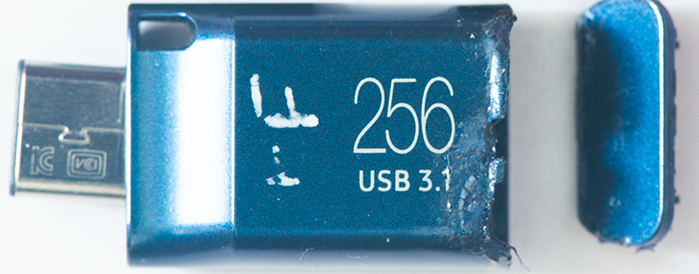
- Samsung’s slim Fit and Bar drives are prone to connector damage — a bump while it’s plugged in can bend the connector or tear the solder pads off the board. It looks catastrophic, but the NAND memory holding your files is almost always untouched. The problem is purely electrical, and it’s almost always recoverable.
Dead drive or failed controller
- If your Samsung drive won’t power on or isn’t detected at all, the Silicon Motion controller that manages it has usually failed. We read the raw NAND memory directly and rebuild your data using the drive’s specific addressing scheme.
Not recognized or asking to format
- The drive is detected but shows no capacity, reads as RAW, or prompts you to format it. As long as the flash memory is healthy and hasn’t been overwritten, your original data is still on the chip. Don’t reformat it and don’t run repair software.
Water, fire, or physical damage
- Liquid or impact damage sounds fatal but often isn’t. If the NAND memory chip survived, we can recover it even when the rest of the drive is destroyed.
How We Recover Samsung Drives Others Can't
This is where we’re different. Many “data recovery” companies run software and stop when the drive won’t cooperate. We work at the component level — the same way a manufacturer would — so you don’t have to touch a thing.
In-house Silicon Motion tooling
- Most Samsung USB drives are built around Silicon Motion controllers that off-the-shelf recovery tools can’t handle. We’ve built dedicated in-house tooling for these controllers, which is why we fully recover Samsung cases that other labs return as partial, corrupt, or unrecoverable.
Board and connector repair
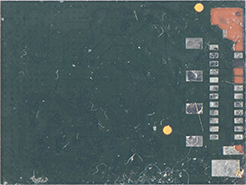
- For drives with snapped connectors or torn pads, we reconstruct the board and run fine jumper wires, then image the drive normally — no soldering or DIY required on your end.
Off-chip NAND & monolithic recovery
- When a controller can’t be revived, we read the NAND memory chip directly and reconstruct the file system. Samsung’s compact drives are monolithic, so this is a core specialty — the same techniques on our monolithic flash recovery page.
Try This First — Safe Steps (and When to Stop)
Before sending anything in, a couple of safe checks are worth a minute:
- Try a different USB port and a different computer. Rule out a bad port or cable.
- Do not reformat the drive, even if Windows or macOS prompts you to. Formatting makes recovery harder.
- Stop using the drive. Don’t save new files to it or run repair utilities that write to it.
When to stop: if the drive isn’t recognized, shows 0 bytes, asks to be formatted, or is physically damaged, stop now. Samsung USB drives are rarely fixable at home, and DIY tools that write to a failing drive can overwrite your data permanently. At that point it’s a hardware recovery — send it in for a free evaluation.
Our Process — From Broken Drive to Recovered Files
We’ve made professional recovery simple and risk-free:
- Submit your case online and print a free prepaid shipping label.
- Free diagnostic. We evaluate your Samsung drive and give you a quote.
- You approve. Nothing proceeds until you say go.
- We recover your data in our in-house lab using the methods above.
- You verify your files before you pay. We show you a list of recovered files so you know exactly what came back.
- Secure return. You download your recovered data from our secure server, or we copy it onto a new flash drive and mail it back for an additional fee.
No data, no charge. If we can’t recover your files, you owe nothing for the recovery.
Send your media in for data recovery
Fill out the form below and we will generate a prepaid shipping label.
🔒 Your details are used only to create your prepaid shipping label. Free evaluation — and with our no data, no charge guarantee, you only pay if we recover your files.
A Real Samsung Recovery
A customer sent us a Samsung 256GB USB 3.1 drive (MUF-256DA) with a bent connector and solder pads torn off the board. It looked destroyed, but the NAND memory was fine — the damage was purely mechanical. We reconstructed the torn pads, ran jumper wires, and imaged the drive; every file was recovered within two days. Read more: Samsung 256GB MUF-256DA broken connector recovery.
Samsung Data Recovery Pricing
We use flat-rate, upfront pricing — you’ll know the full cost before any work begins, and there are no hidden fees. Typical Samsung recoveries fall in the $350 – $900 range depending on the failure type (a corrupted file system costs less than a monolithic chip-off recovery). Your exact price is confirmed with your free diagnostic, and you only pay if we recover your data.
A Note on Samsung MicroSD Cards
We want to be straight with you: we generally cannot recover data from Samsung-manufactured microSD cards. Samsung encrypts these cards with a rotating cipher keyed to the LBA address, and without that key the raw NAND can’t be reassembled into usable files — by us or, in our experience, anyone else. If your card’s serial number starts with “MM,” it’s likely a Samsung and likely not recoverable. Samsung USB flash drives are a completely different story — those we recover regularly. If you’re unsure what you have, send it in and we’ll identify it and tell you honestly, at no charge.
Why Choose Recover My Flash Drive
- Since 2007 — nearly two decades specializing in flash media, not a general repair shop
- In-house component-level lab — nothing is outsourced or shipped to a third party
- 98% success rate, including cases other labs decline
- 5.0★ from 150+ verified Google reviews
- A real US facility in Bridgeport, CT — not a PO box
- No data, no charge, with file verification before you pay
Samsung Recovery Questions
Yes — a snapped or broken USB connector is one of the most common and most recoverable failures we see. The break is mechanical, so the memory chip holding your data is almost always intact. We rebuild the connector or read the NAND directly. Stop plugging it in and send it to us before the board is damaged further.
When a Samsung drive isn’t recognized, it’s usually a failed Silicon Motion controller or damaged NAND — not anything you did wrong, and it’s rarely fixable at home. Avoid formatting tools or repair utilities, which can overwrite recoverable data. We recover unrecognized Samsung drives at the component level and return your files.
Almost certainly not. That prompt points to a corrupted file system or controller fault, not erased data. Don’t format the drive — we can typically recover it.
Usually not. Samsung encrypts its microSD cards with a key we can’t extract, so the raw data can’t be reassembled into files. Samsung USB flash drives, however, we recover regularly.
Then you don’t pay for the recovery — that’s our no data, no charge guarantee.